
Connecticut Recent Bookings Records
Connecticut recent bookings searches can begin with local police logs, state correction tools, and court dockets. This page organizes those systems so you can search recent bookings by county, city, and agency. You can use it to check arrest logs, booking entries, bond details, and linked case records. Connecticut updates many systems every day, so search results can shift quickly. Start with a name, then confirm the same person in at least two sources. That step helps avoid wrong matches when two people share a similar name in Connecticut recent bookings databases.
Connecticut Recent Bookings Search Basics
Connecticut recent bookings are published through several channels. City police departments post logs. The Connecticut Department of Correction tracks people in custody. The Connecticut Judicial Branch publishes criminal and motor vehicle docket lookups. No single system gives every detail at once. A practical search starts with a local log, then checks a court docket, then confirms custody status if needed.
You can start with Connecticut Judicial Branch case lookup and criminal and motor vehicle case lookup. If you need docket-level detail, use search by defendant and disposition, search by court, and pending case search by defendant.
Connecticut FOIA rules drive access. Core references include FOI Commission guidance and Connecticut Chapter 14 statutes. Note: A booking entry can change after corrections, erasures, or court updates, so always re-check the date stamp.
Statewide Booking Workflow
Use short steps for more reliable results. Pull the name and date from a local log. Run the name through a court docket search. Confirm disposition or pending status. If custody status matters, compare that with DOC resources. When crash events are part of a case, use DESPP accident summary and BuyCrash official report access.
Criminal history request workflows can require SPBI tools. Start with SPBI pre-enrollment and then use SPBI appointment booking. Court records requests can also be coordinated through the Judicial Branch contact channels noted in research.
The goal is not speed alone. The goal is accuracy. Connecticut recent bookings records can update daily, and each system has a different scope. A cross-check process gives cleaner results.
Note: Youthful offender and juvenile matters are not displayed in the same way as adult public records, so gaps in public search results are expected in some cases.
Connecticut Resource Images
The state image set below uses all successful state manifest captures. Each image is paired with its source link before the screenshot.
This Connecticut recent bookings image was captured from judicial branch case look-up at https://www.jud.ct.gov/lookup.htm.
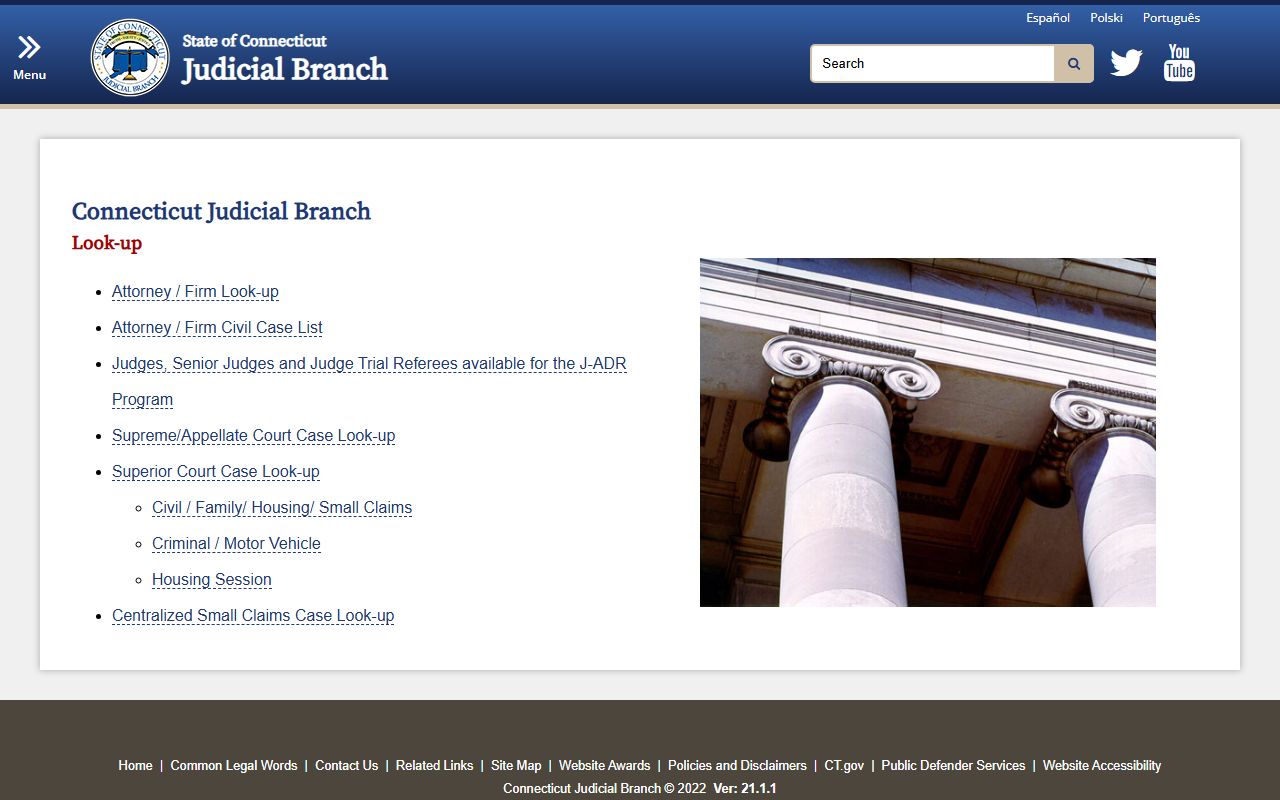
The source helps verify search steps, names, dates, and status changes while you work through recent bookings checks.
This Connecticut recent bookings image was captured from criminal/motor vehicle case look-up at https://www.jud.ct.gov/crim.htm.
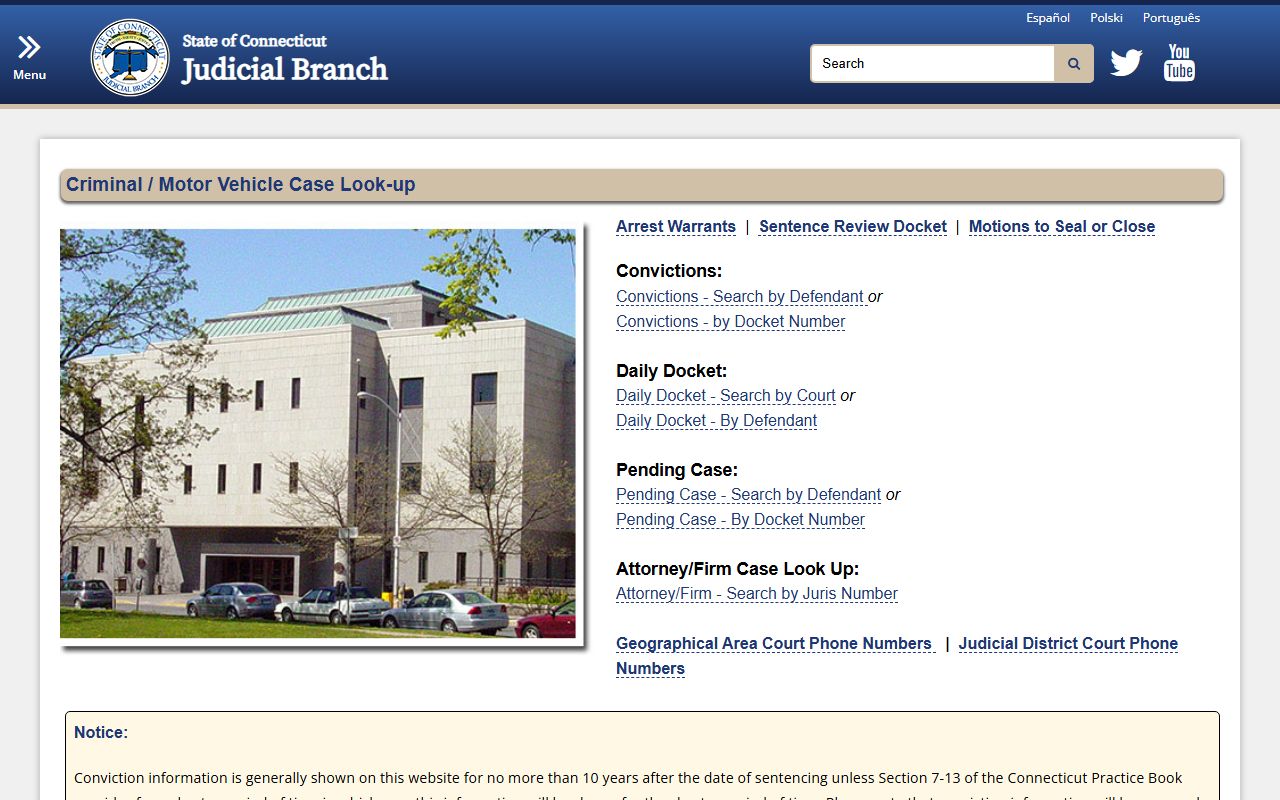
The source helps verify search steps, names, dates, and status changes while you work through recent bookings checks.
This Connecticut recent bookings image was captured from accident information summary at https://accidents.despp.ct.gov.
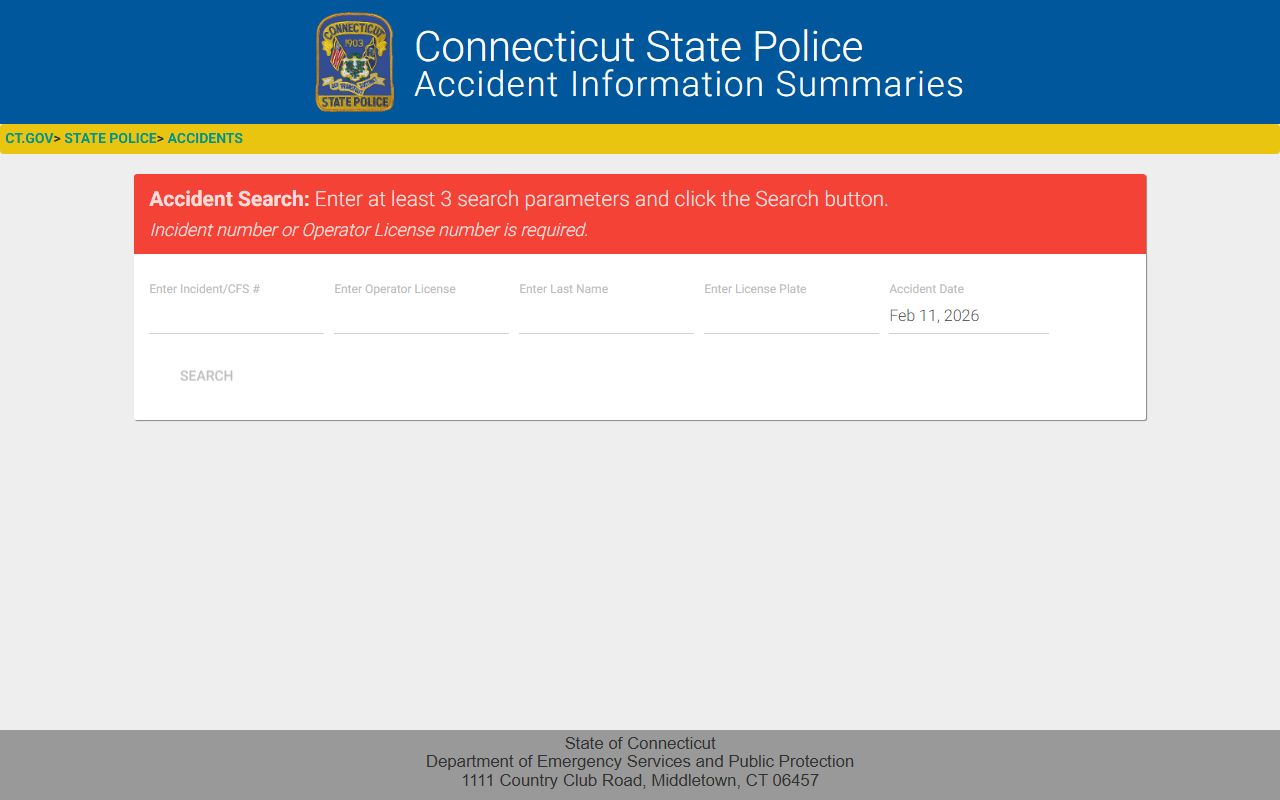
The source helps verify search steps, names, dates, and status changes while you work through recent bookings checks.
This Connecticut recent bookings image was captured from judicial docket - searchbydefdisp at http://www.jud2.ct.gov/crdockets/SearchByDefDisp.aspx.
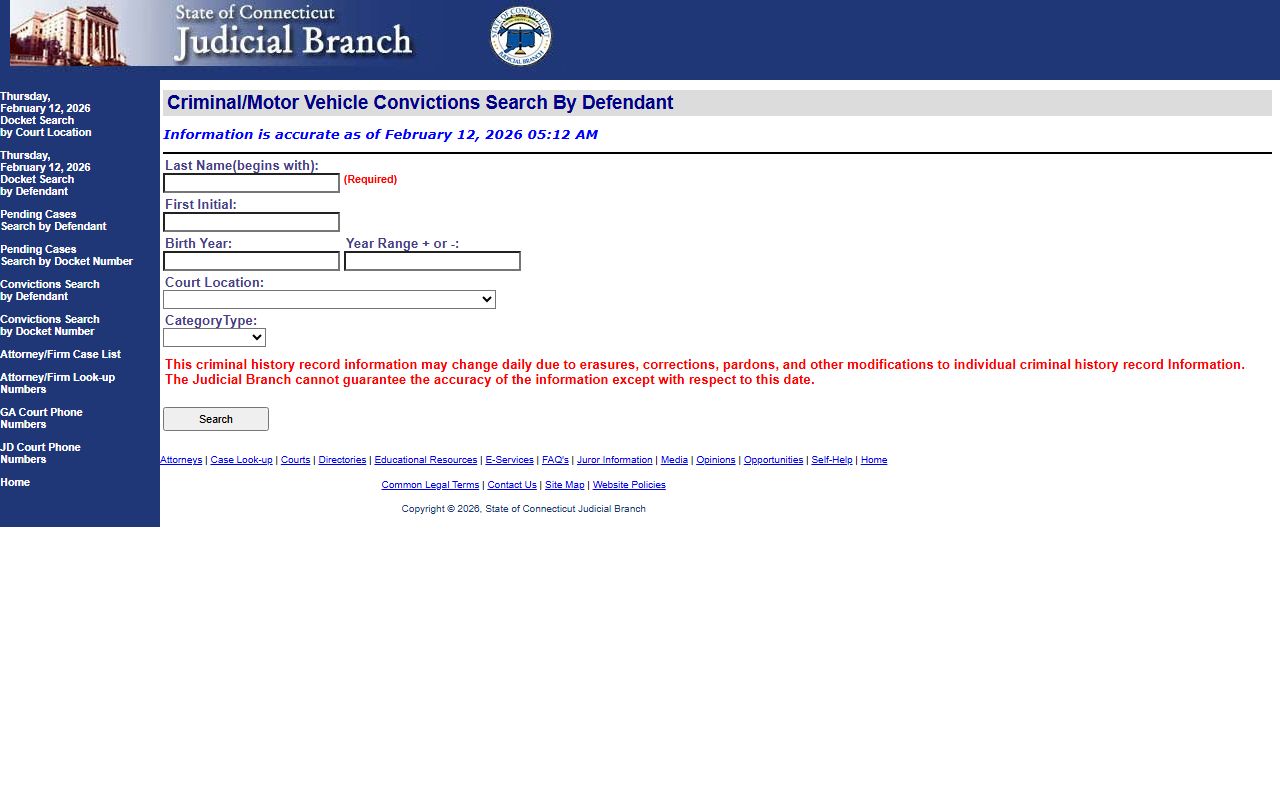
The source helps verify search steps, names, dates, and status changes while you work through recent bookings checks.
This Connecticut recent bookings image was captured from judicial docket - docketnoentry at http://www.jud2.ct.gov/crdockets/DocketNoEntry.aspx?source=Disp.
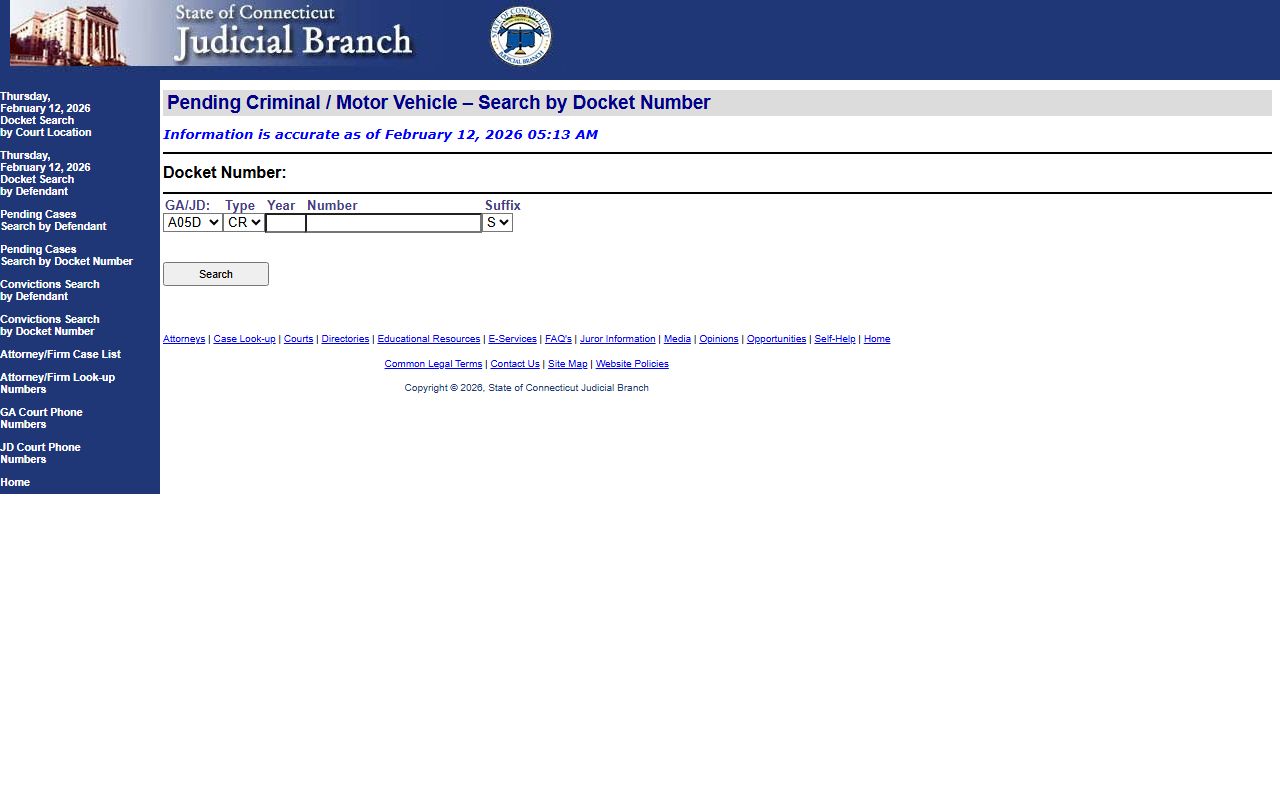
The source helps verify search steps, names, dates, and status changes while you work through recent bookings checks.
This Connecticut recent bookings image was captured from judicial docket - searchbycourt at http://www.jud2.ct.gov/crdockets/SearchByCourt.aspx.
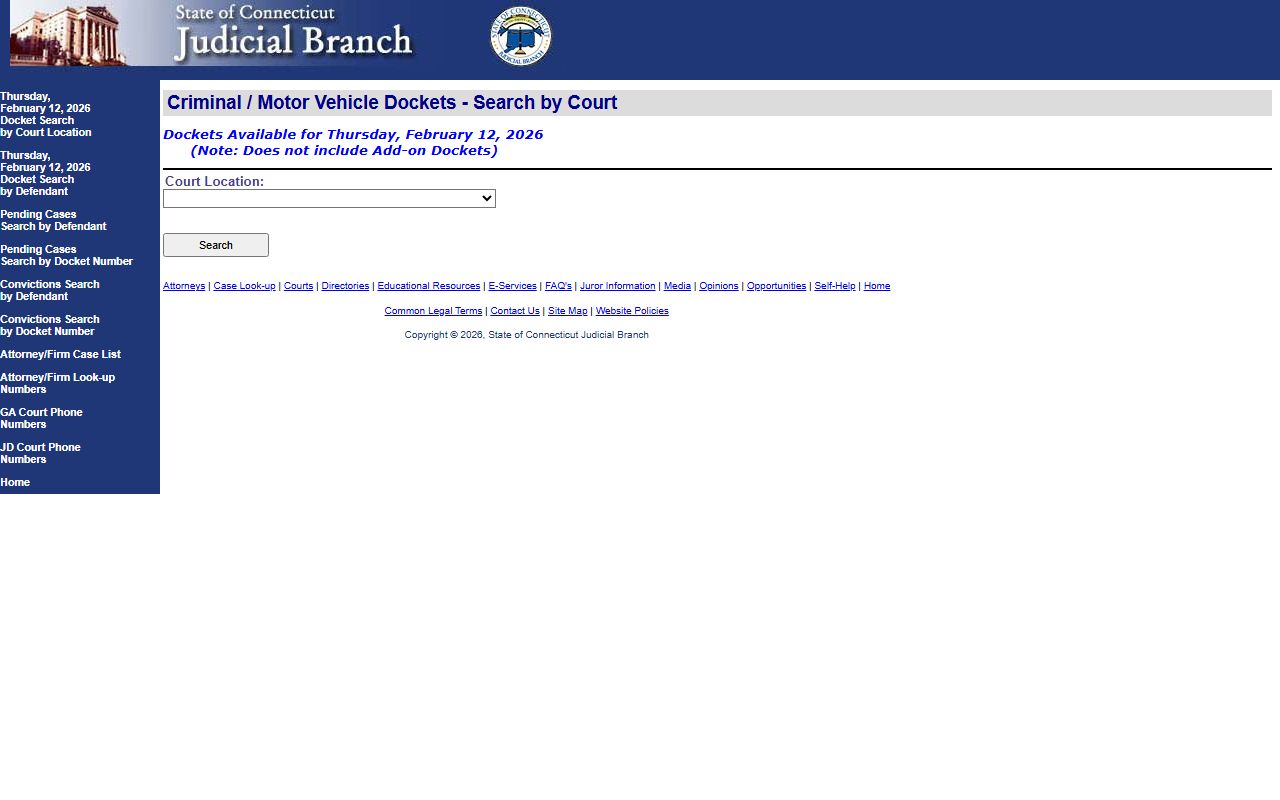
The source helps verify search steps, names, dates, and status changes while you work through recent bookings checks.
This Connecticut recent bookings image was captured from judicial docket - searchbydefendant at http://www.jud2.ct.gov/crdockets/SearchByDefendant.aspx.
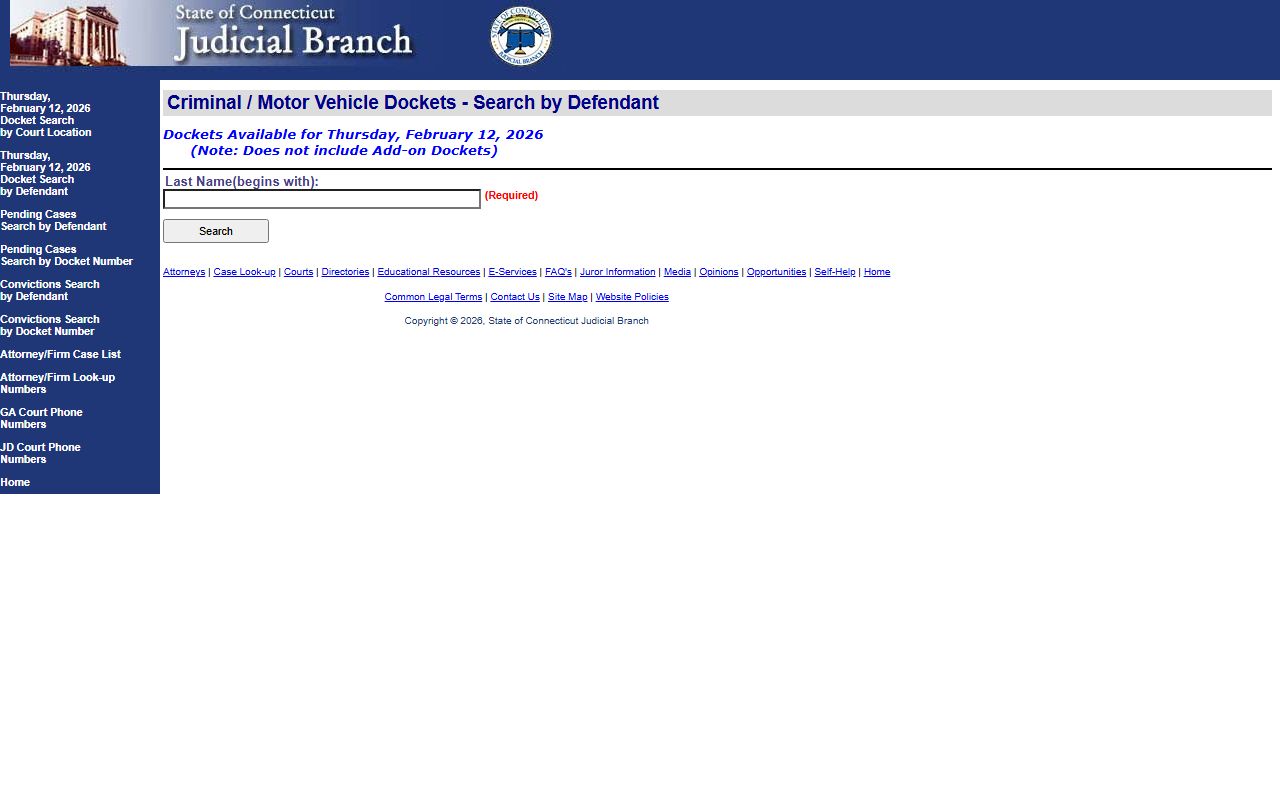
The source helps verify search steps, names, dates, and status changes while you work through recent bookings checks.
This Connecticut recent bookings image was captured from judicial docket - parm1 at http://www.jud2.ct.gov/crdockets/parm1.aspx.
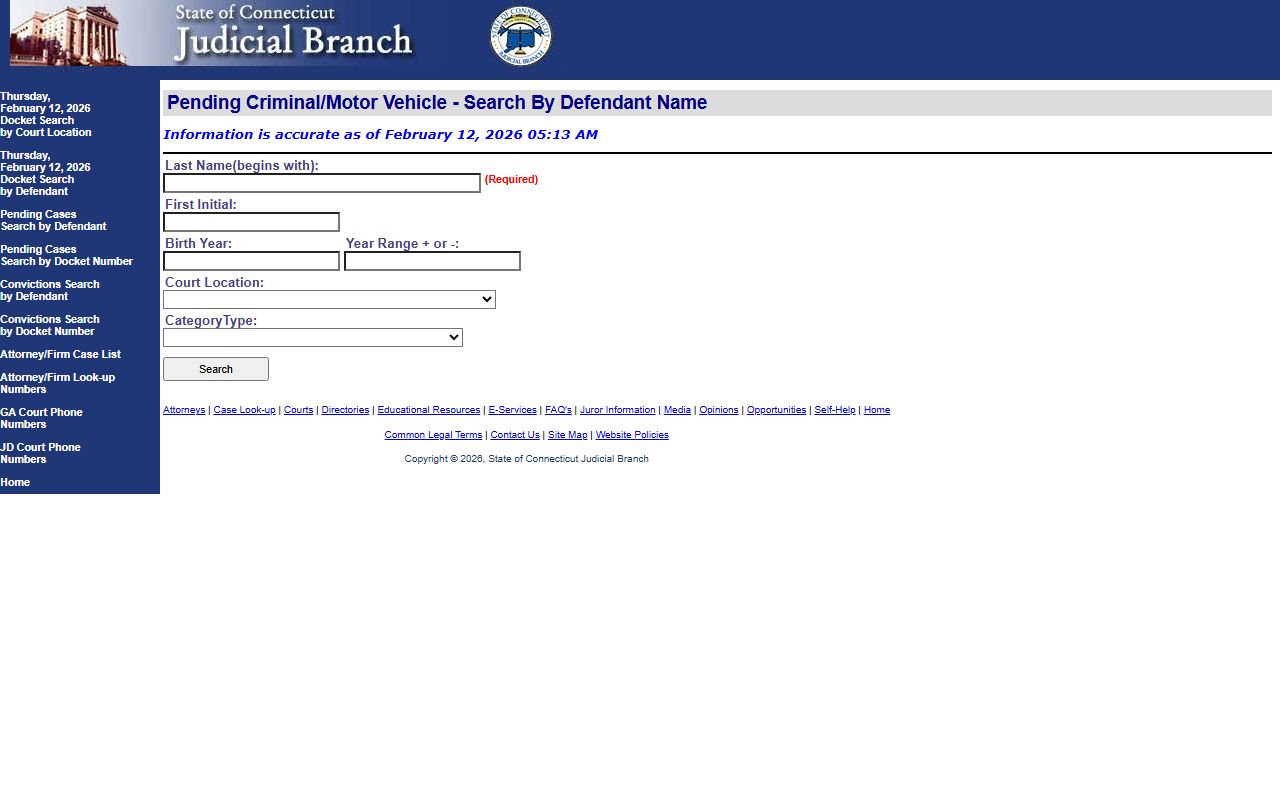
The source helps verify search steps, names, dates, and status changes while you work through recent bookings checks.
This Connecticut recent bookings image was captured from spbi criminal history pre-enrollment at https://ct.flexcheck.us.idemia.io/CCHRSPreEnroll.
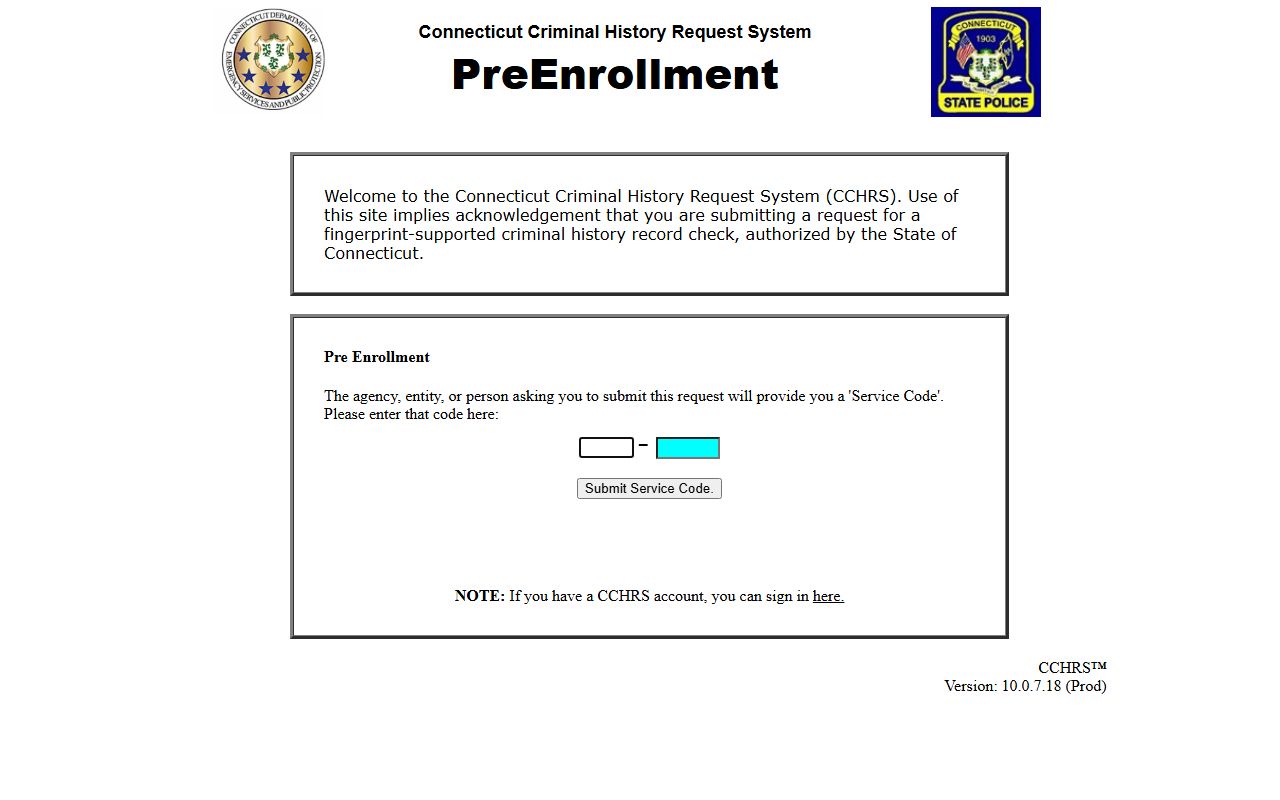
The source helps verify search steps, names, dates, and status changes while you work through recent bookings checks.
This Connecticut recent bookings image was captured from spbi fingerprint appointment booking at https://outlook.office365.com/owa/calendar/DepartmentofEmergencyServicesandPublicProtectionCopy@ct.gov/bookings.
The source helps verify search steps, names, dates, and status changes while you work through recent bookings checks.
This Connecticut recent bookings image was captured from buycrash accident reports at http://www.BuyCrash.com.
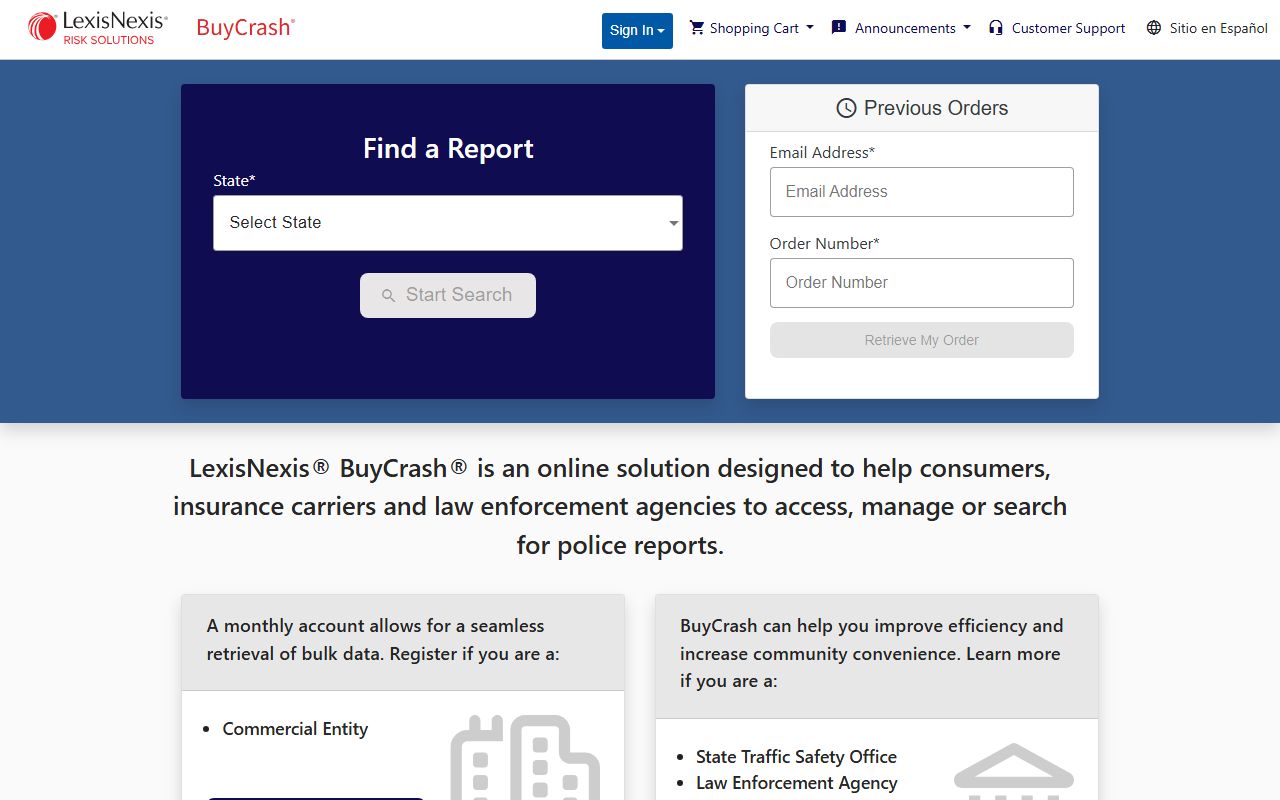
The source helps verify search steps, names, dates, and status changes while you work through recent bookings checks.
Connecticut Recent Bookings Tips
Keep a simple log while you search Connecticut recent bookings. Write the exact name used in each system, the search date, and the record source. That small habit helps when results change between morning and evening updates. It also helps you explain why two sources may show different status lines for the same person. Connecticut systems update on different cycles, so a short timestamped log gives you a clean audit trail.
Focus on core fields. Name, date, court location, and charge text matter most. If those fields match, you likely have the right record set. If one field is off, verify again before using the result. Many booking lookups fail because users rely on one source screen and skip cross-checking. A careful three-step process is slower by a few minutes, but it is more reliable and easier to defend when you need accurate public records results.
Use clear request language when contacting agencies. Ask for specific record types, not broad data pulls. State the date range and event context. That approach helps records units process requests faster and reduces follow-up questions. Note: Public systems are useful, but direct agency confirmation remains important when an exact booking status is required for formal use.
Browse by County
County pages localize recent bookings search paths and link city-level pages when local sources vary by agency.
Browse Major Cities
Major city pages cover police record channels, booking log patterns, and county court context for each location.